Amazon SEO Basics: How Your Listing Gets Found, and the Three-Letter Field Most Sellers Miss
Amazon is a search engine, but not the kind you're used to. Google ranks pages largely on links and authority; Amazon ranks products on the likelihood that showing you this item will end in a sale. That single difference drives everything about Amazon SEO. To rank for a search, your listing first has to be indexed for that term — Amazon has to know your product is relevant to it — and then it has to prove it converts. Get the relevance signals right and you become eligible to rank; convert the clicks you earn and you climb. And there's one quiet, three-letter backend field that controls a surprising amount of what you're even eligible to show up for, and most sellers fill it out wrong or not at all.
Indexing comes before ranking
Before you can rank for a keyword, you have to be indexed for it — meaning Amazon associates your listing with that term at all. If the words a shopper types appear nowhere in your title, bullets, description, or backend fields, you may simply not be in the results, regardless of how good your product is. So step one of Amazon SEO isn't 'rank higher,' it's 'make sure I'm indexed for the terms that matter.' Map the real phrases shoppers use for your product, then make sure each one lives somewhere in your listing.
The three letters: your STR (Search Terms) field
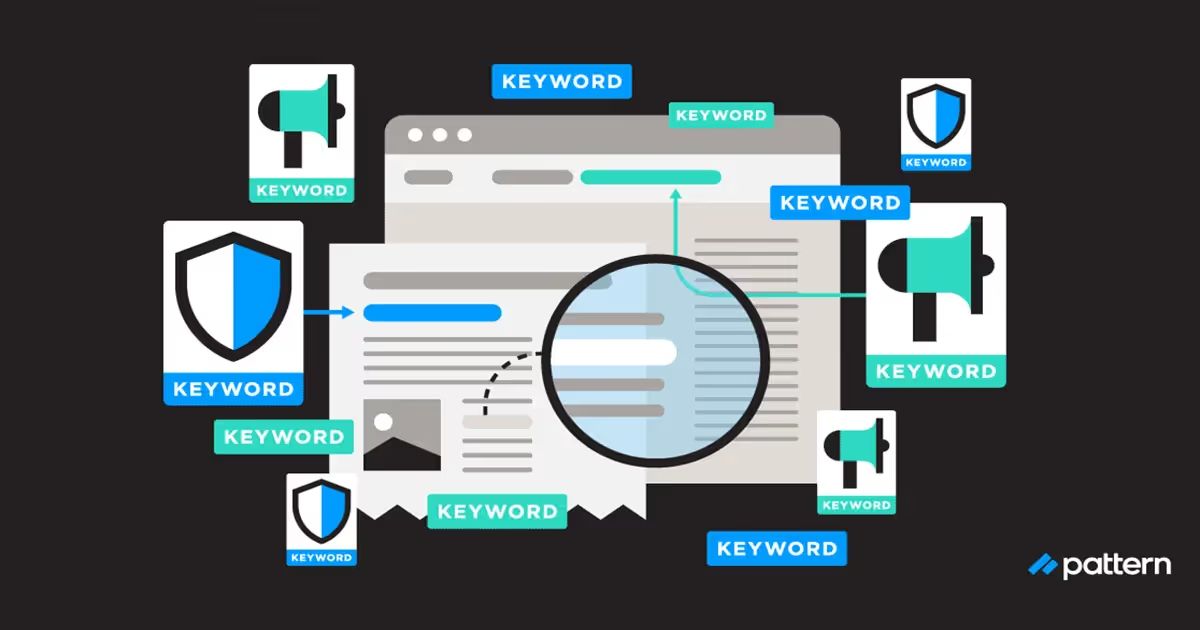
The 'three letters' worth knowing are STR — the backend Search Terms field. It's a hidden field in your listing where you can add keywords that don't fit naturally into your customer-facing copy, helping you get indexed for terms you can't gracefully work into the title or bullets. Used well, it captures synonyms, alternate spellings, and adjacent phrases without cluttering what shoppers read. Used badly — left empty, stuffed with competitor brand names (which is against policy), or filled with duplicates of words already in your title — it wastes one of the few free relevance levers you have.
- Use it for synonyms, alternate spellings, and phrasing you can't fit naturally into the title or bullets.
- Don't repeat words that already appear in your title or bullets — that's redundant; you're already indexed for them.
- Don't include competitor brand names or trademarked terms — it violates policy and can get the listing actioned.
- Skip commas and filler; use the space for distinct, relevant terms rather than punctuation.
- Stay within the field's character limit — content beyond it is typically ignored, so prioritize your highest-value terms.
Where to place the keywords that count
Not all placements carry equal weight, and front-loading matters. Your most important keyword belongs in the title, ideally near the front, written so it still reads naturally to a human — keyword soup converts badly, and conversion is what actually moves rank. Bullets are the next tier: weave secondary keywords in while leading with benefits. The description and A+ content carry less search weight but still help indexing and conversion. The backend Search Terms field mops up everything that didn't fit. The mistake is stuffing every field with every keyword; relevance plus readability beats raw repetition.
Relevance gets you in; conversion moves you up
Once you're indexed and relevant, your rank for a term is driven heavily by how well you convert clicks from it and your sales velocity for that keyword. This is why SEO and listing optimization are the same project: a perfectly keyword-mapped listing that converts poorly will stall, and stuffing more keywords won't save it. Rank for the terms you genuinely deserve — where your product is a strong match and converts — rather than spreading thin across head terms you'll never win. Then keep the page converting, because that's the signal that lifts you and the lapse that drops you.
See which products are worth ranking before you pour effort into SEO.
Explore UPC MetricsFrequently asked questions
What is the STR or Search Terms field?
It's a hidden backend field in your listing where you add keywords that don't fit naturally into your visible title and bullets. It helps Amazon index your product for additional relevant terms. It's one of the few free relevance levers you fully control, so it's worth filling out deliberately rather than leaving blank.
Should I repeat keywords across the title, bullets, and backend?
No. Once you're indexed for a term, repeating it elsewhere doesn't add value — and it wastes limited space. Use the title and bullets for your highest-value, customer-facing terms, and reserve the backend field for distinct synonyms and phrasings you couldn't fit naturally.
How is Amazon SEO different from Google SEO?
Google ranks pages largely on links and authority to answer a question. Amazon ranks products on the likelihood the result ends in a purchase, so relevance plus conversion and sales velocity drive your rank. That's why optimizing a listing to convert is inseparable from optimizing it to be found.